
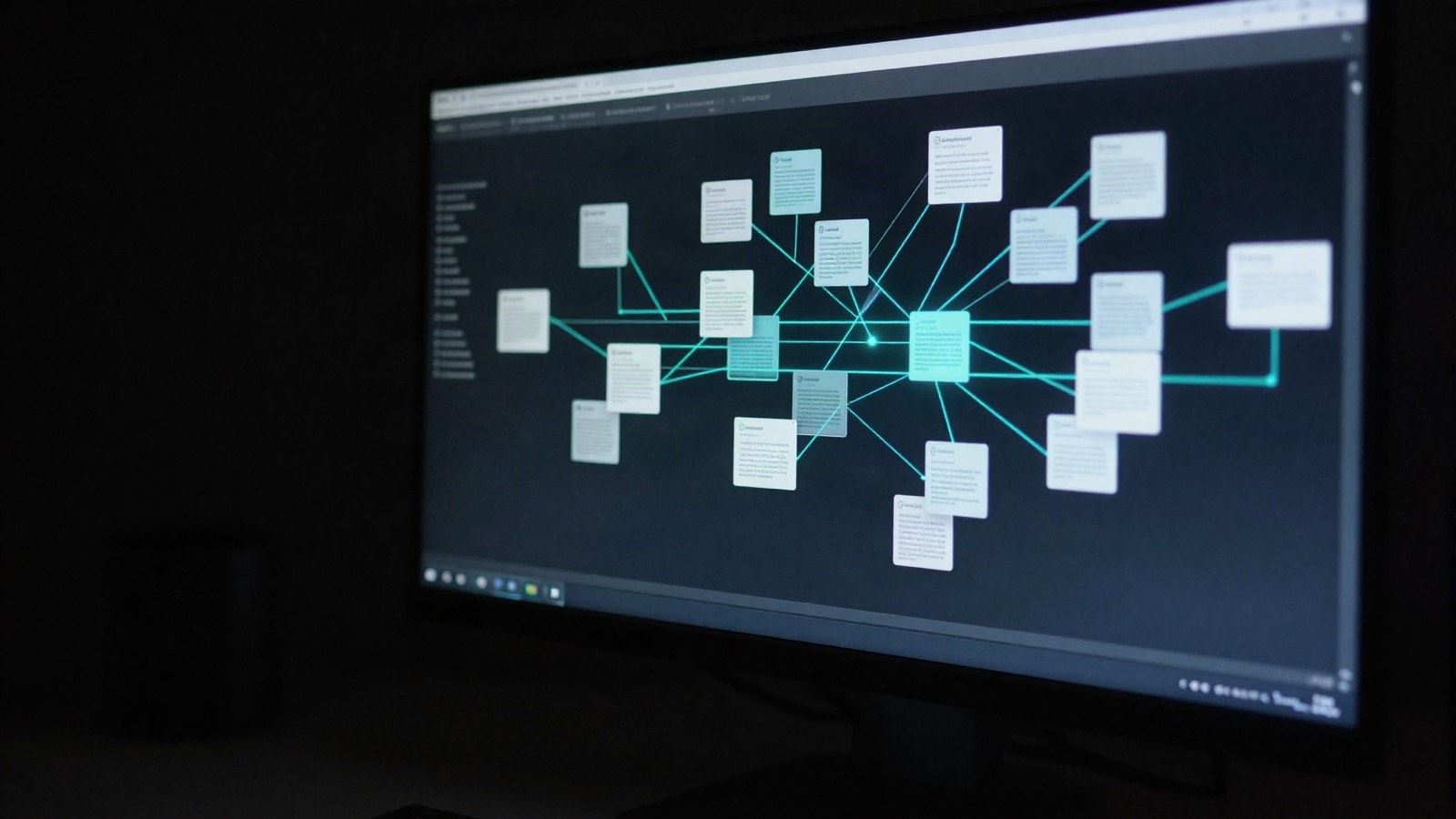


Typed links
Directional links between artefacts, the link types Bloom checks and where links show.
Links are typed and directional and validated through /api/links against the source and target type: test cases verify requirements, suites and campaigns contain test cases, designs satisfy, and risks, changes, and defects touch requirements. When a linked artefact changes, dependents are flagged suspect.
Link types
Section titled “Link types”| Link | From | To | Used in |
|---|---|---|---|
verifies |
Test case | Requirement | Coverage and traceability |
contains |
Suite or campaign | Test case | Topology |
relates_to |
Campaign | Suite | Topology |
references |
Document body holding a # tag |
The tagged artefact | Backlinks, topology and registry only |
A link is checked against the rule table for its source and target types. The links panel of an artefact shows only relationships that artefact is one end of, and drops rows the rule table does not permit. A campaign page does not show its test cases’ links as its own.
A draft test case verifies nothing. See Coverage.
Inline tags
Section titled “Inline tags”Type # in a document body to search the project’s artefacts and insert a link. Bloom stores it as a references link.
- It shows in backlinks, the topology and the registry.
- It is excluded from coverage and traceability.
- Requirements, designs, risks, change requests, test concepts and documents can hold tags.
- A tag shows the current ID of its target. A tag whose target is gone reads as plain text.
Reading links
Section titled “Reading links”- Relationships on a document open the Documents registry filtered by
related_to, role and direction. - Many links. Past twenty links, a document’s links collapse to per-role counts. A count opens the Documents registry filtered to that relationship.
- Topology. Campaign and suite membership is drawn in the topology:
relates_tofrom campaign to suite,containsfrom suite or campaign to test case.
Links from imports
Section titled “Links from imports”- TestRail. References that match a requirement ID become
verifieslinks from the imported test case. - Markdown. Every artefact a Markdown import creates starts unlinked and raises a notification asking you to add the relevant links. For requirements, designs, test concepts and specifications or standards, the notification asks you to check the necessity of links both in the text and in the relationship tree.